How to ask NetSuite questions in Microsoft Teams
Yes. NetSuite's AI Connector Service, built on the Model Context Protocol (MCP), lets an AI agent work with NetSuite data under the role of the person who signed in. Connect it to a Microsoft Copilot Studio agent and publish that agent to Teams. The free MCP Standard Tools SuiteApp covers records, reports, saved searches and SuiteQL; anything else needs custom tools or a custom agent.
By Curtosis · Updated
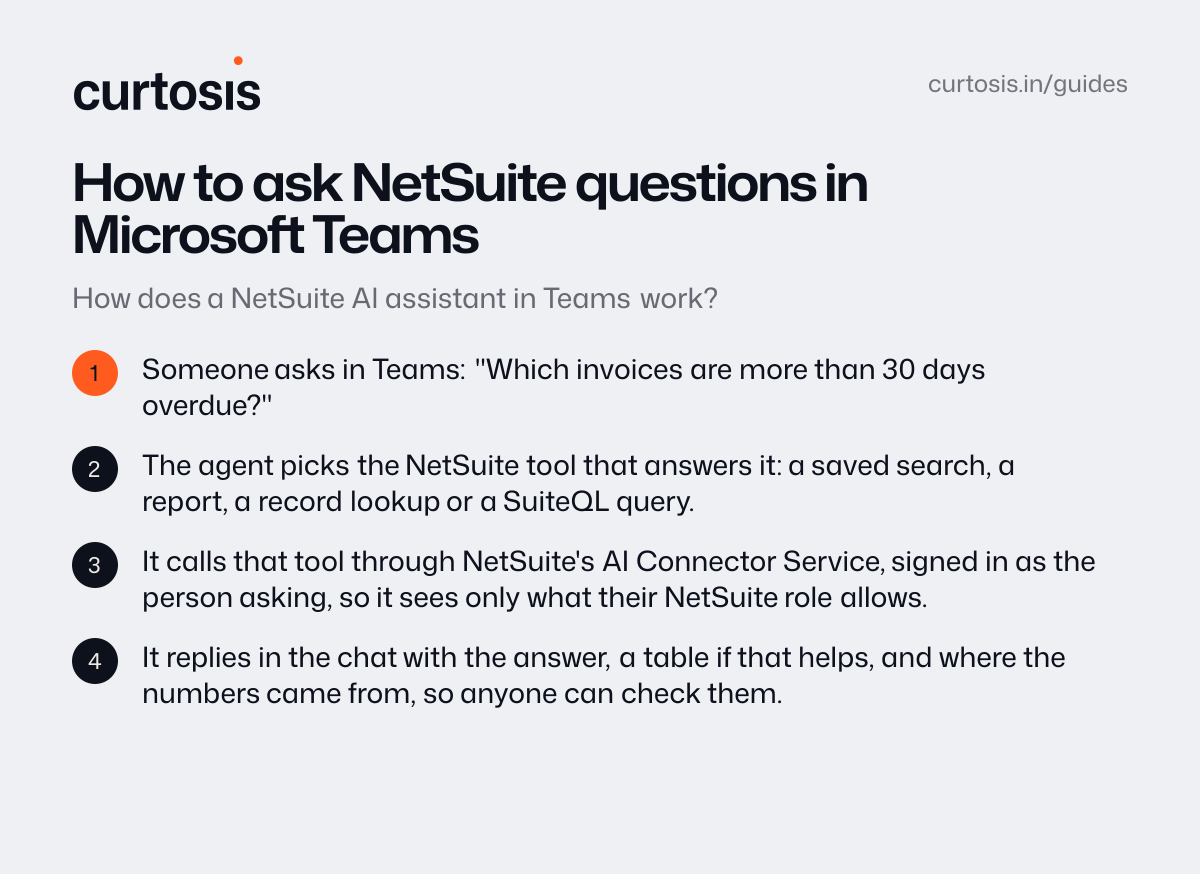
How does a NetSuite AI assistant in Teams work?
- Someone asks in Teams: “Which invoices are more than 30 days overdue?”
- The agent picks the NetSuite tool that answers it: a saved search, a report, a record lookup or a SuiteQL query.
- It calls that tool through NetSuite's AI Connector Service, signed in as the person asking, so it sees only what their NetSuite role allows.
- It replies in the chat with the answer, a table if that helps, and where the numbers came from, so anyone can check them.
What is the NetSuite AI Connector Service?
It's NetSuite's MCP server: a standard way for AI assistants and agents to use NetSuite. Any AI client that supports remote MCP with OAuth 2.0 can connect, and Oracle names Claude and ChatGPT. The service isn't a paid feature and the MCP Standard Tools SuiteApp is free, though the AI client may need a paid plan.
The standard tools create, read and update records, run reports and saved searches, and run SuiteQL queries, which are read-only. For questions they don't cover, NetSuite lets you add custom tools written in SuiteScript 2.1.
What do you need on the NetSuite side?
The MCP Standard Tools SuiteApp, an OAuth 2.0 connection for the AI client, and a role for the people who will use it. Administrator roles can't connect, and every request respects the user's role, so give people roles that can read what they need and nothing else.
Keep it read-only until people trust the answers. The standard tools can change records, so anything that writes should need a person's approval.
Copilot Studio, custom tools or a custom agent?
| Route | Good for | Watch out for |
|---|---|---|
| Copilot Studio with the AI Connector Service | Companies on Microsoft 365 that want NetSuite answers in Teams with little code | Oracle doesn't publish Copilot Studio steps, so test the sign-in on your account first. Answers stop at what the standard tools reach |
| Custom tools in NetSuite | Your own KPIs and lookups the standard tools answer badly | Written in SuiteScript 2.1 and kept up by your NetSuite developer or partner |
| A custom AI agent | Questions across NetSuite and your other systems, actions with approvals, or models on your own servers | It needs testing against reports you trust before people rely on it |
What are the limits?
From Oracle's documentation for the AI Connector Service:
- report tools filter by date and subsidiary only, not by accounting period
- AI clients usually handle up to about 5,000 rows per call, so large questions need summarizing first
- requests share NetSuite's concurrency limits with your other integrations
- NetSuite Analytics Warehouse doesn't support MCP, so it can't connect
- it hasn't been assessed for HIPAA, so keep protected health information out unless your own review allows it
How do you know the answers are right?
Oracle's own FAQ warns that AI clients can still give wrong answers. Before rollout, ask the questions your existing reports already answer and compare the numbers. In daily use, every answer should say which saved search, report or query it used, so anyone can check a figure that looks wrong.
How Curtosis does it
When the standard tools aren't enough, Curtosis builds the agent: one that answers from NetSuite and your other systems together, shows its working, and waits for a person's approval before anything costly. When data can't leave your infrastructure, it runs on open-weight models in your account.
Ask Destila, built for a manufacturer with multiple plants, is used by about 1,000 people, from the CEO to the shop floor, and shows the code it ran with every answer.
What we build runs in your accounts. Access is read-only by default, we don't keep your data, and training by AI providers is turned off.
Projects start at $1,000, at a fixed price agreed in writing before work starts.
Questions
Do we need a custom build?
Not always. If the standard tools answer your team's questions, Copilot Studio with NetSuite's AI Connector Service may be enough. A custom agent makes sense for questions across several systems, your own business definitions, actions that need approval, or data that has to stay on your servers.
Can the agent change data in NetSuite?
The standard tools can create and update records, so yes. Start read-only: with Curtosis, access is read-only by default, write access comes only when you approve it, and a person approves anything costly before it happens.
Does our data leave our systems?
What we build runs in your accounts, and training by AI providers is turned off. When data can't leave your infrastructure, we use open-weight models deployed in your account.
Does it work with other ERPs?
Yes, if the system has a database, an API or exports. Ask Destila runs on a manufacturer's ERP, used by about 1,000 people.
How much does it cost?
With Curtosis, projects start at $1,000, at a fixed price agreed in writing before work starts. The price depends on what the agent connects to, whether it only answers questions or also takes actions, and where it runs.
Official documentation
- Oracle: Get Started with the NetSuite AI Connector Service (opens in a new tab)
- Oracle: NetSuite AI Connector Service FAQ (opens in a new tab)
- Microsoft: Connect a Copilot Studio agent to an existing MCP server (opens in a new tab)
- Microsoft: Connect a Copilot Studio agent to Teams (opens in a new tab)
- Oracle: Executing SuiteQL Queries Through REST Web Services (opens in a new tab)