How to automate supplier invoice processing with AI
An AI model reads each supplier invoice from your inbox, pulls out the supplier, invoice number, dates, line items and totals, and checks them against your purchase orders and goods receipts. Invoices that match are posted to your ERP or accounting system as bills, ready for payment approval. Anything that doesn't match goes to a person with the reason.
By Curtosis · Updated
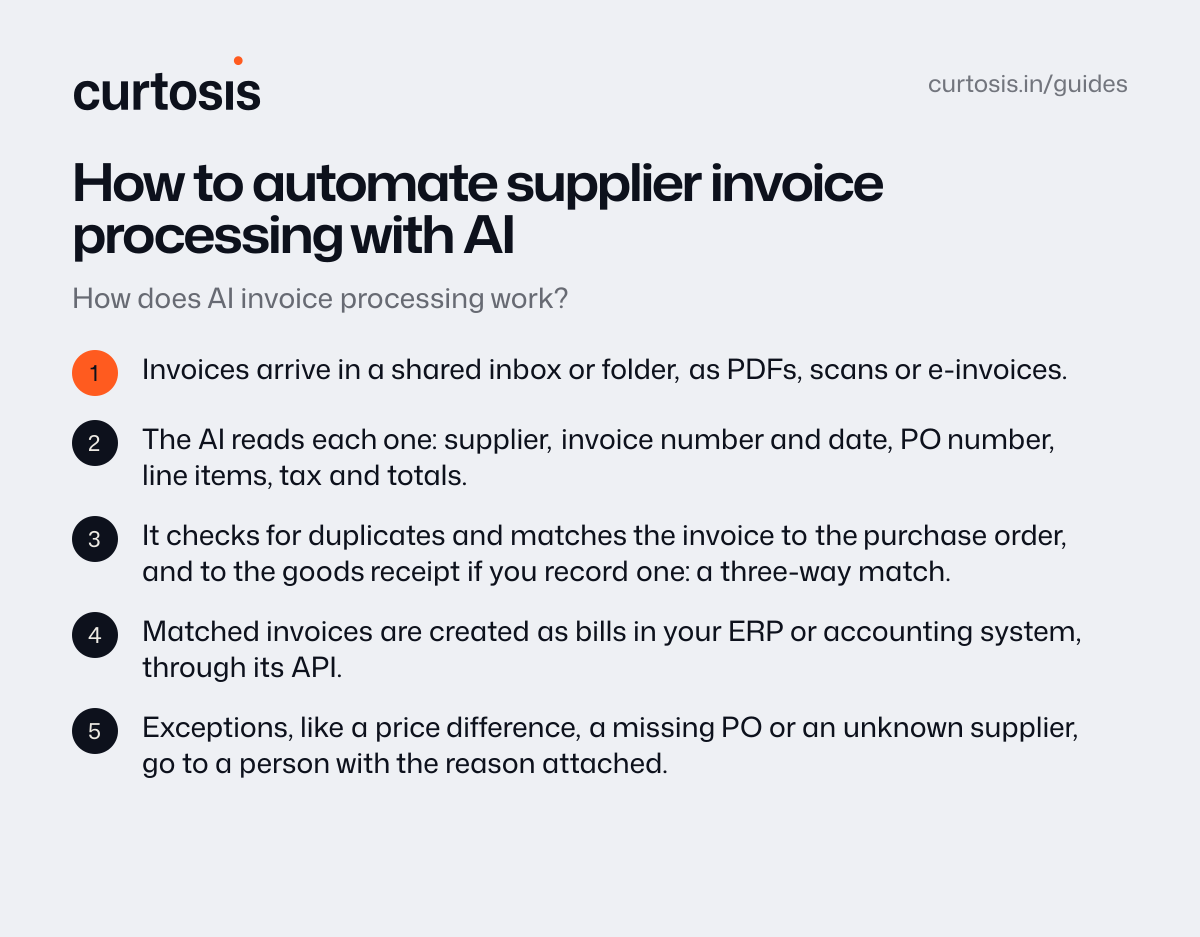
How does AI invoice processing work?
- Invoices arrive in a shared inbox or folder, as PDFs, scans or e-invoices.
- The AI reads each one: supplier, invoice number and date, PO number, line items, tax and totals.
- It checks for duplicates and matches the invoice to the purchase order, and to the goods receipt if you record one: a three-way match.
- Matched invoices are created as bills in your ERP or accounting system, through its API.
- Exceptions, like a price difference, a missing PO or an unknown supplier, go to a person with the reason attached.
What should be checked before an invoice is posted?
- the supplier is known, and their bank details haven't changed since the last invoice
- the invoice number isn't already in the system
- quantities and prices match the PO, within a tolerance you set
- line totals, tax and the invoice total add up
Built-in capture, an AP app or a custom automation?
| Option | Good for | Watch out for |
|---|---|---|
| Your ERP's or accounting system's own capture | Simple invoices from a few suppliers | Line items, matching and exceptions are often limited |
| An accounts payable app | Approvals and payments in one place | Another subscription, and another system to keep in sync with your ERP |
| A custom automation | Your own suppliers, layouts and matching rules, posted straight to your ERP | It needs testing on real invoices before it posts on its own |
How do you start?
Take a month of real invoices, run them through the automation and compare its results with what your team entered. Start with every bill waiting for a person's approval, and let clean matches post on their own once the numbers agree.
How Curtosis does it
Curtosis builds automations that read invoices, purchase orders and forms, check them and enter them, with anything unclear sent to a person.
What we build runs in your accounts. Access is read-only by default, we don't keep your data, and training by AI providers is turned off.
Projects start at $1,000, at a fixed price agreed in writing before work starts.
Questions
Which systems can it post to?
If your ERP or accounting system has an API, a database or imports, we can usually connect to it. NetSuite and QuickBooks Online both have APIs for creating bills.
What about scanned or handwritten invoices?
Scans work, but quality matters. Handwritten and poorly scanned invoices take more work, so measure accuracy on your own documents before you rely on it.
How much does it cost?
With Curtosis, projects start at $1,000, at a fixed price agreed in writing before work starts. The price depends on what it connects to, whether it only reads or also takes actions, and where it runs.