How to automate data entry into QuickBooks Online
Start with what QuickBooks Online already does: bank rules categorize bank transactions, and receipt forwarding turns emailed receipts and bills into transactions for you to review. When documents arrive in many layouts, or the data starts in another system, an automation reads it, checks it and creates bills, invoices or sales receipts through the QuickBooks Online Accounting API.
By Curtosis · Updated
What does QuickBooks Online do on its own?
Use these first. They come with QuickBooks Online and cover the simplest cases:
- Bank rules categorize transactions from your bank feeds as they come in.
- Receipt forwarding gives your company an email address. Receipts and bills sent there are captured, and QuickBooks starts a transaction for you to review.
- Recurring transactions create the same invoice or bill on a schedule.
Where do they stop?
- invoices and bills in many layouts, when you need the line items and not just a total
- data that starts somewhere else: an order system, a spreadsheet, a supplier portal
- checks before anything is posted: is the vendor known, do the totals add up, is it a duplicate
- volume: someone still reviews every captured receipt, one by one
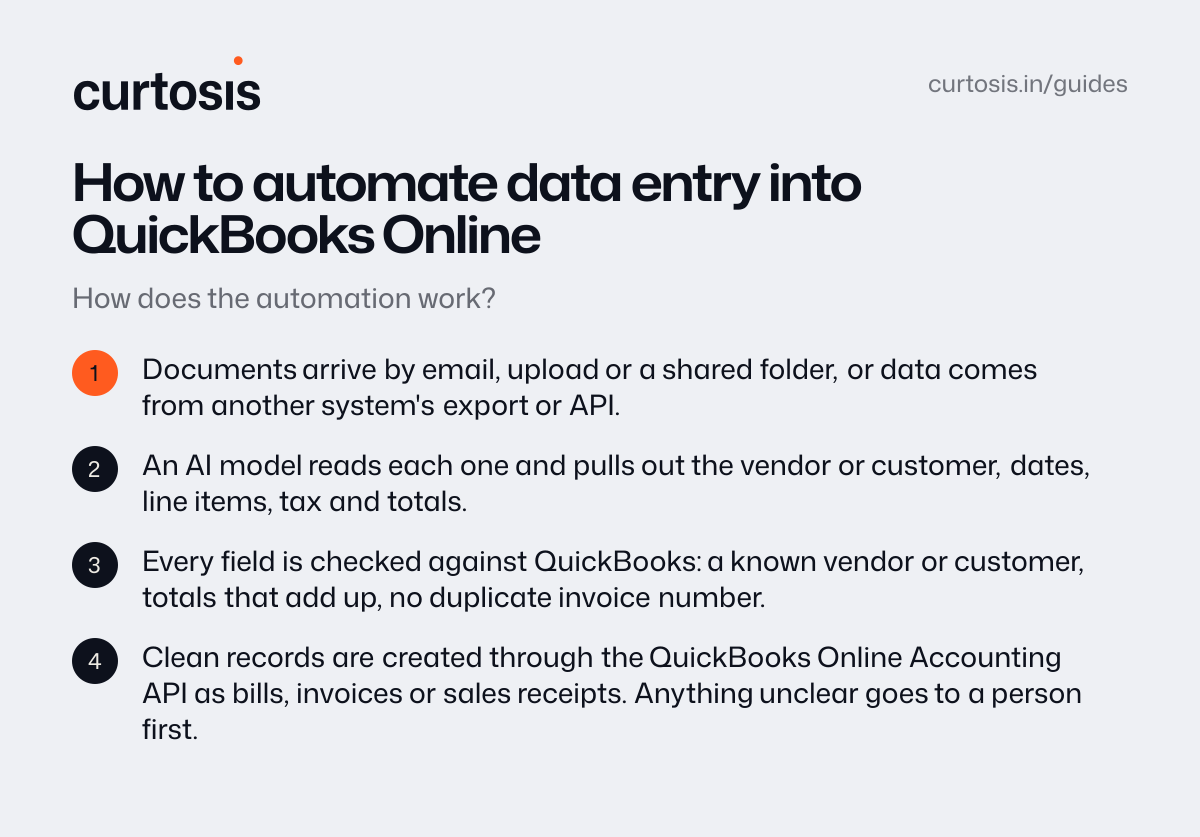
How does the automation work?
- Documents arrive by email, upload or a shared folder, or data comes from another system's export or API.
- An AI model reads each one and pulls out the vendor or customer, dates, line items, tax and totals.
- Every field is checked against QuickBooks: a known vendor or customer, totals that add up, no duplicate invoice number.
- Clean records are created through the QuickBooks Online Accounting API as bills, invoices or sales receipts. Anything unclear goes to a person first.
What do you need?
A QuickBooks Online company, an app connection approved by an admin through Intuit's OAuth 2.0 sign-in, and the list of vendors, accounts and items you post to. Start with the documents that take the most time, and run the automation next to your current process until the numbers match.
How Curtosis does it
Curtosis builds automations that read invoices, purchase orders and forms, check them and enter them, with anything unclear sent to a person.
What we build runs in your accounts. Access is read-only by default, we don't keep your data, and training by AI providers is turned off.
Projects start at $1,000, at a fixed price agreed in writing before work starts.
Questions
Does it work with QuickBooks Desktop?
QuickBooks Desktop connects differently from QuickBooks Online, through Intuit's desktop tools rather than the online API. Tell us which you use and we'll confirm on the call.
Will it post anything without us checking?
Only what you decide. Start with every record waiting for approval. Once the numbers match, let clean records post on their own and keep sending exceptions to a person.
How much does it cost?
With Curtosis, projects start at $1,000, at a fixed price agreed in writing before work starts. The price depends on what it connects to, whether it only reads or also takes actions, and where it runs.