How to route new leads automatically in HubSpot or Salesforce
Both CRMs do the basics. In HubSpot, a workflow's “Rotate record to owner” action shares new records between users with paid Sales or Service Hub Professional or Enterprise seats. In Salesforce, lead assignment rules send each lead to a user or queue based on criteria such as region or product. Add AI when the right owner depends on what the enquiry actually says.
By Curtosis · Updated
How does it work in HubSpot?
Build a workflow that starts when a contact or lead is created, and add the “Rotate record to owner” action. It assigns records in turn to active users with a paid Sales or Service Hub Professional or Enterprise seat. Put branches before it to send different leads to different teams, for example by country or company size.
How does it work in Salesforce?
Lead assignment rules hold a list of entries, each with criteria and an owner, checked in order. Only one lead assignment rule can be active at a time, so set a default lead owner for anything no entry matches.
Check that leads from web forms and imports actually run the active rule: imports need assignment switched on.
Where does built-in routing stop?
- it routes on fields, not on what the enquiry says
- messy form data: free-text company names, personal email addresses, missing countries
- leads from companies that already have an account owner
- the first reply still waits for a salesperson
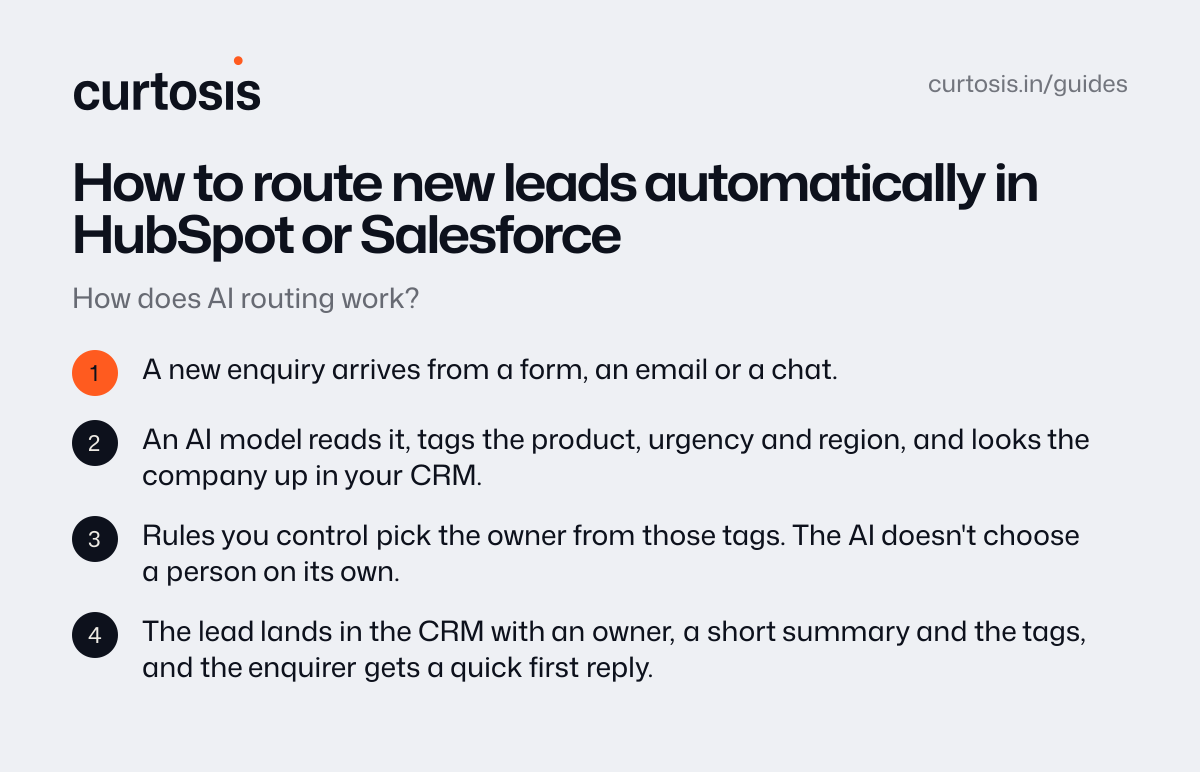
How does AI routing work?
- A new enquiry arrives from a form, an email or a chat.
- An AI model reads it, tags the product, urgency and region, and looks the company up in your CRM.
- Rules you control pick the owner from those tags. The AI doesn't choose a person on its own.
- The lead lands in the CRM with an owner, a short summary and the tags, and the enquirer gets a quick first reply.
How Curtosis does it
Curtosis builds automations that give every enquiry a quick reply and land it in your CRM, sorted.
What we build runs in your accounts. Access is read-only by default, we don't keep your data, and training by AI providers is turned off.
Projects start at $1,000, at a fixed price agreed in writing before work starts.
Questions
Do we need AI for this?
Not if your routing depends only on form fields like country or product: use the CRM's own tools. AI earns its place when the right owner depends on what the message says.
Will it work with our CRM?
If your CRM has an API, we can usually connect to it, and HubSpot and Salesforce both do. Tell us what you use and we'll confirm on the call.
How much does it cost?
With Curtosis, projects start at $1,000, at a fixed price agreed in writing before work starts. The price depends on what it connects to, whether it only reads or also takes actions, and where it runs.